Google Calendar VR
- Role
- UX/UI and Product Designer
- Team
- 3 Designers
- Timeline
- September 2019 — October 2019
- Platform
- VR App
In collaboration with a Google Creative Labs representative, our team engaged in a sprint to design a cutting-edge technological experience tailored to a Google product, randomized target audience, and tech environment.
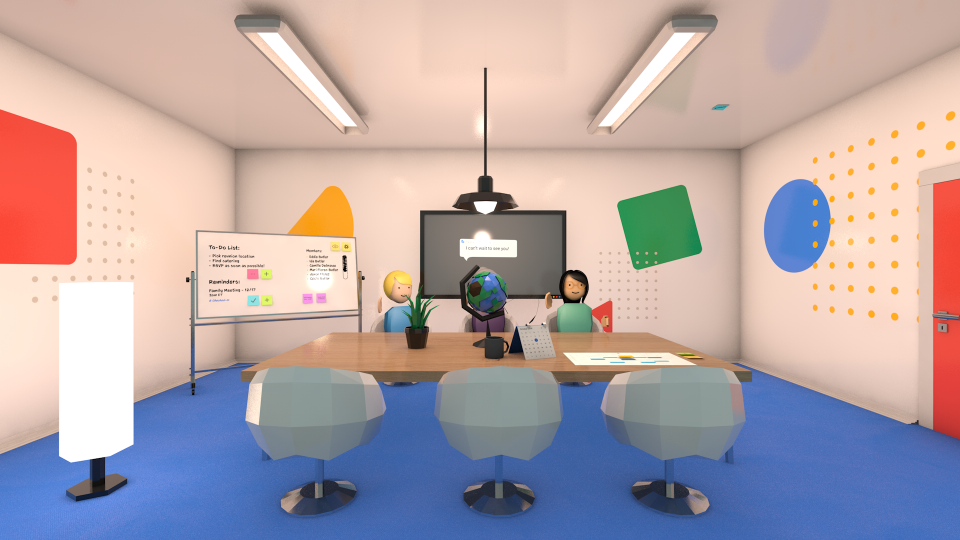
My team was given the Google Calendar, for multilingual people, in VR. We perceived it as an ideal framework for enabling worldwide collaboration in a remote workspace with real-time translation capabilities. With a focus on enhancing productivity, we aimed to equip this virtual space with optimal planning, scheduling, meeting, and travel booking features.
We hoped to create a space that could bridge together business partners, multilingual families, or even long-distance friends, to name a few.
Background
Scenario
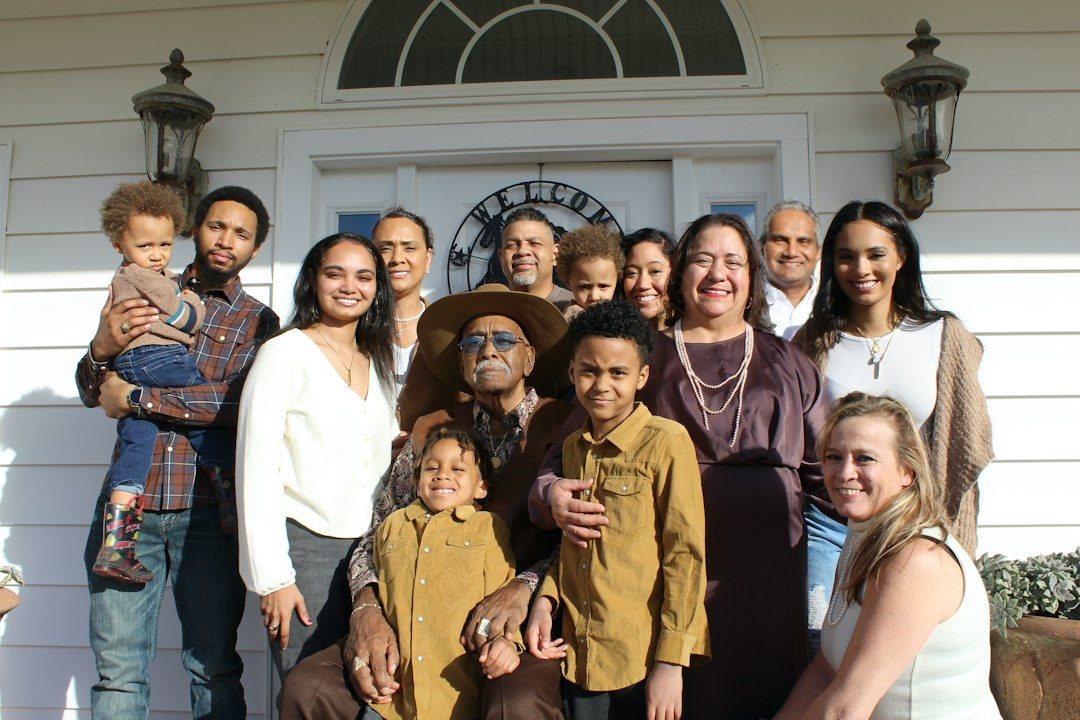
A multilingual family is planning a reunion. However, many of them don’t live in the same area or even the same country.
Plan
Opportunites
Rising industry 🚀
With the growth of the gaming industry, more people are turning to PC gaming, creating a demand for tools that enable them to build custom gaming computers.
Budget-friendly 💵
Budget-conscious individuals can learn to build their gaming computer and what parts to get, which is typically more cost-effective than purchasing a pre-built one.
Rapid advancements in technology ⚡️
With technology advancing at an ever-increasing pace, it can be hard for beginners to keep up, we can help to break down complex concepts and make them more accessible.
Audience
Use Cases

Business
Organize and increase productivity across time zones, distances, and languages with a digital platform designed for global teams.
Personal
Stay connected with family, friends, and collaborators worldwide with a simple digital platform to plan events and book travel.
Education
Boost productivity and collaboration in school with a digital space designed to coordinate workshops, project timelines, and meetings.
Audience
My personal use case
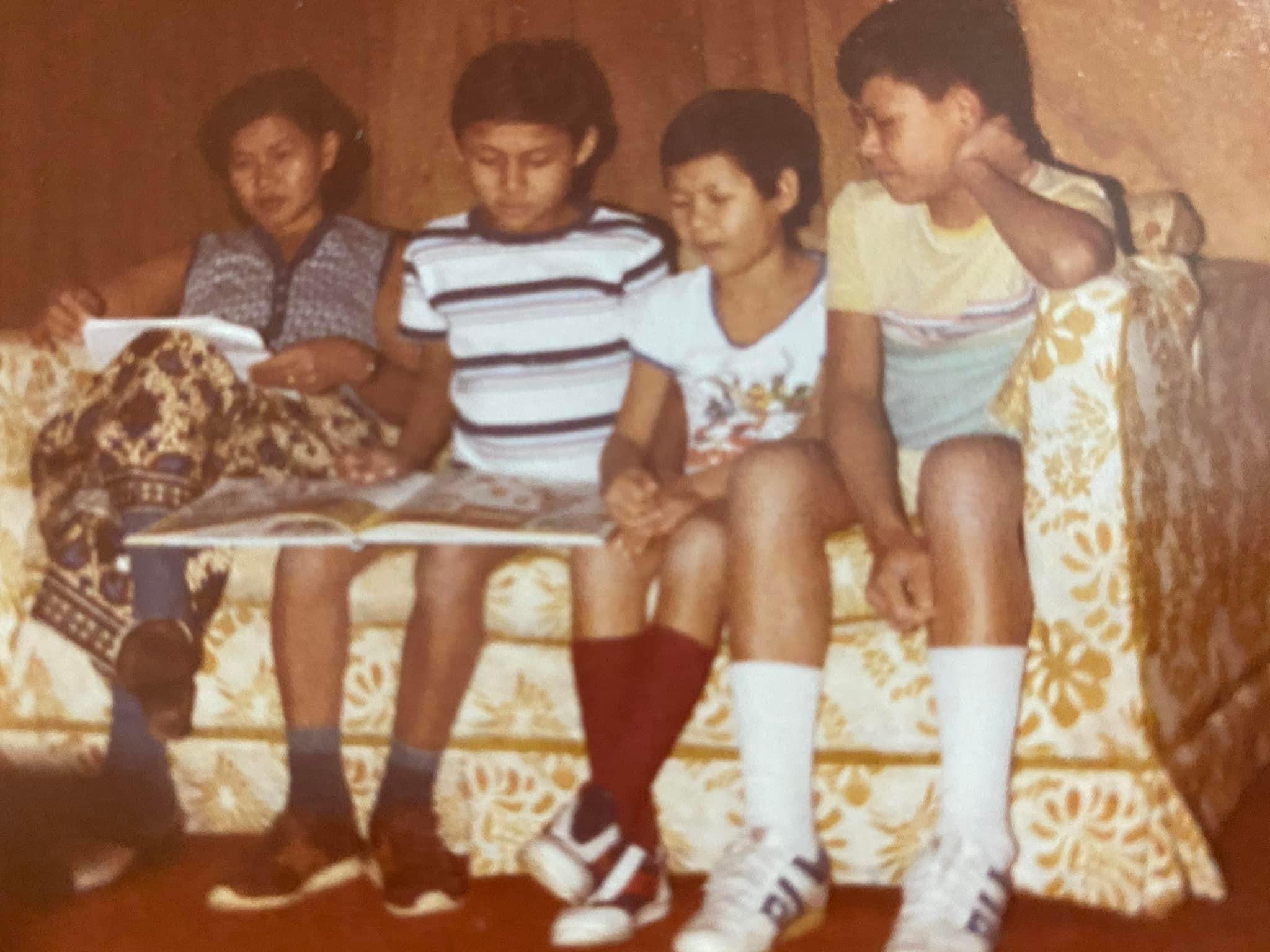
This prompt resonated with me, coming from a bilingual family. My family is from Cambodia and immigrated to America before I was born. Many of them adapted and learned English during their time here, but I also have a lot of families who only speak their native tongue of Khmer. Growing up, sometimes there would be a lot of disconnects since, as I went to school, my language was pushed more and more away from me. Sometimes I would speak Khmer in school, not thinking that other people wouldn't understand since I was used to hearing both English and Khmer at home, but then I would be corrected and judged for saying words people didn't know. Over time it made me use Khmer less and less; unfortunately, now I'm not very fluent in my language. This has caused verbal barriers and disconnects between some of my family members, which is disheartening. Because I know my family has so much to say and a valuable perspective and opinion, I wish I could understand them clearly or immediately. So it is my goal to relearn my language gradually.
Removing that disconnect while I aim to achieve my goal was a primary motivator for this project. While planning this project, I thought, what tools would I want to freely communicate with my family without language barriers and plan gatherings? But I also had to consider what tools we would already have access to through Google products. So it was vital to create a space with users like my family in mind. Users who would need language translations, a simple interface, and something engaging.
Design
My timeline
Create environment 🌱
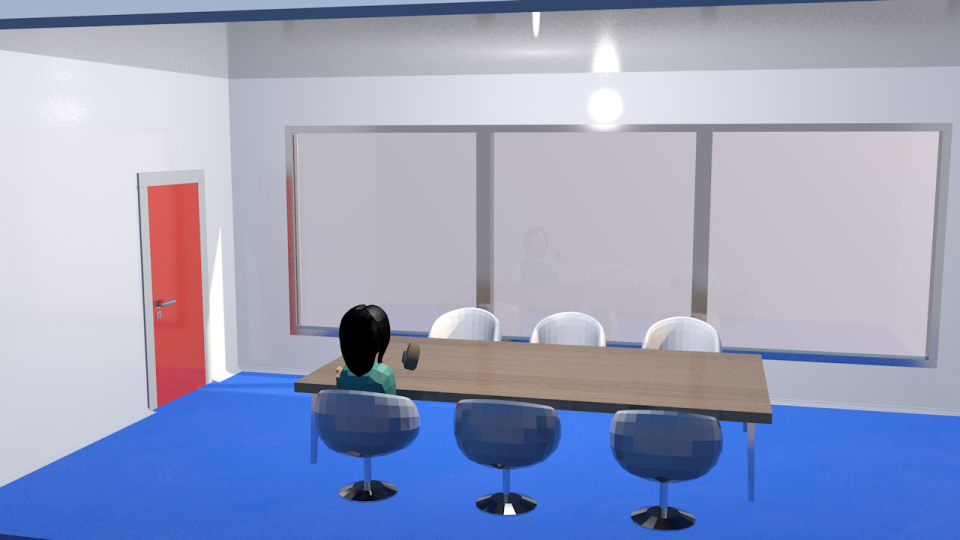
I wanted the meeting space to feel reminiscent of real business meeting rooms. This builds immersion and lets the user feel more separated from reality. It was also important to make this setting as productive as possible, so here you will find all the tools needed to plan, organize, and collaborate.
Create avatar template and room accessories 😎
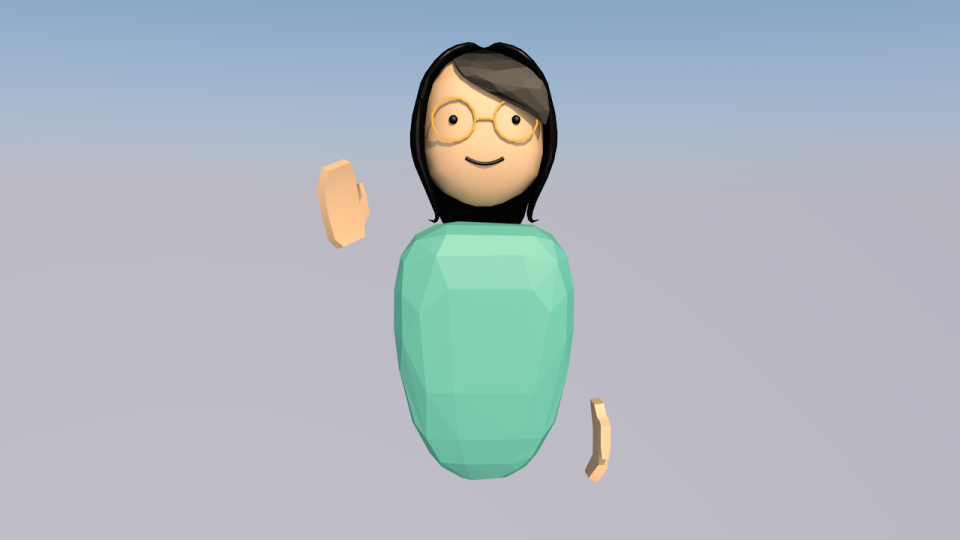
I was responsible for creating the avatar template, meeting room, and some furniture. This would set the tone of the design direction and how added accessories could fit into the environment. We decided to go with a primarily low-poly style for most assets and allow some more static items to have a more realistic render.
Animate a 3D prototypes of in-app interactions 🎬
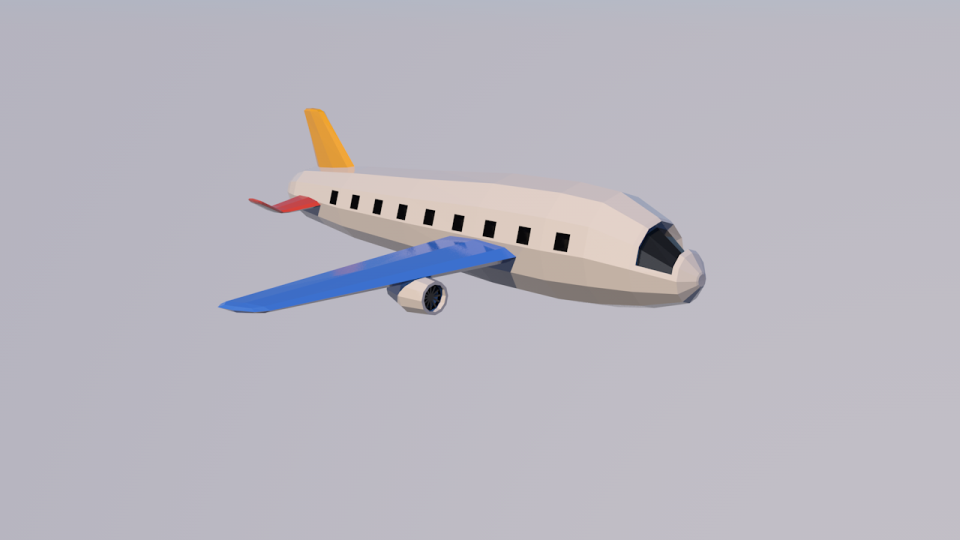
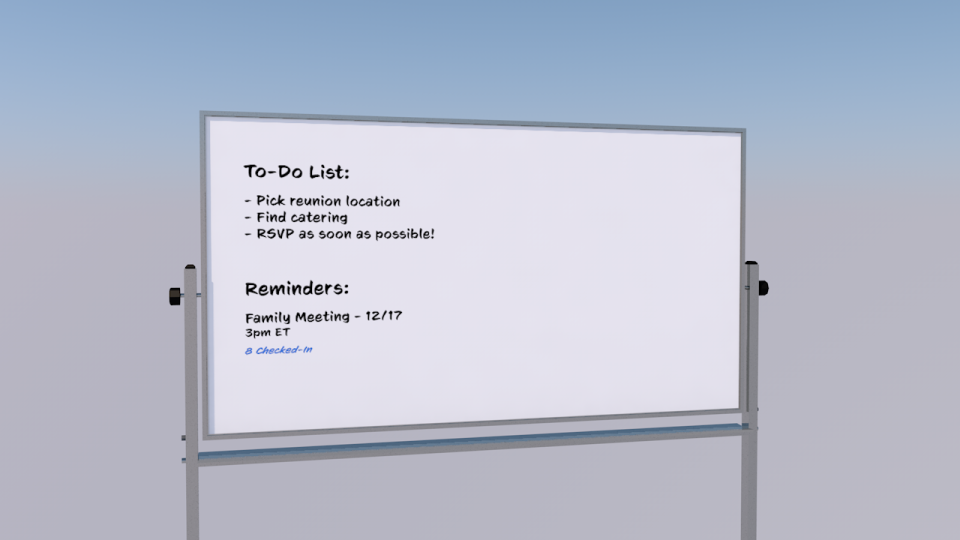
After creating assets like the whiteboard, avatars, and plane, it was essential to demonstrate how these items could interact in the space and demonstrate their utility. So I had to animate these assets in Cinema 4D so users could understand the different functionalities these items served.
Plan
Opportunites
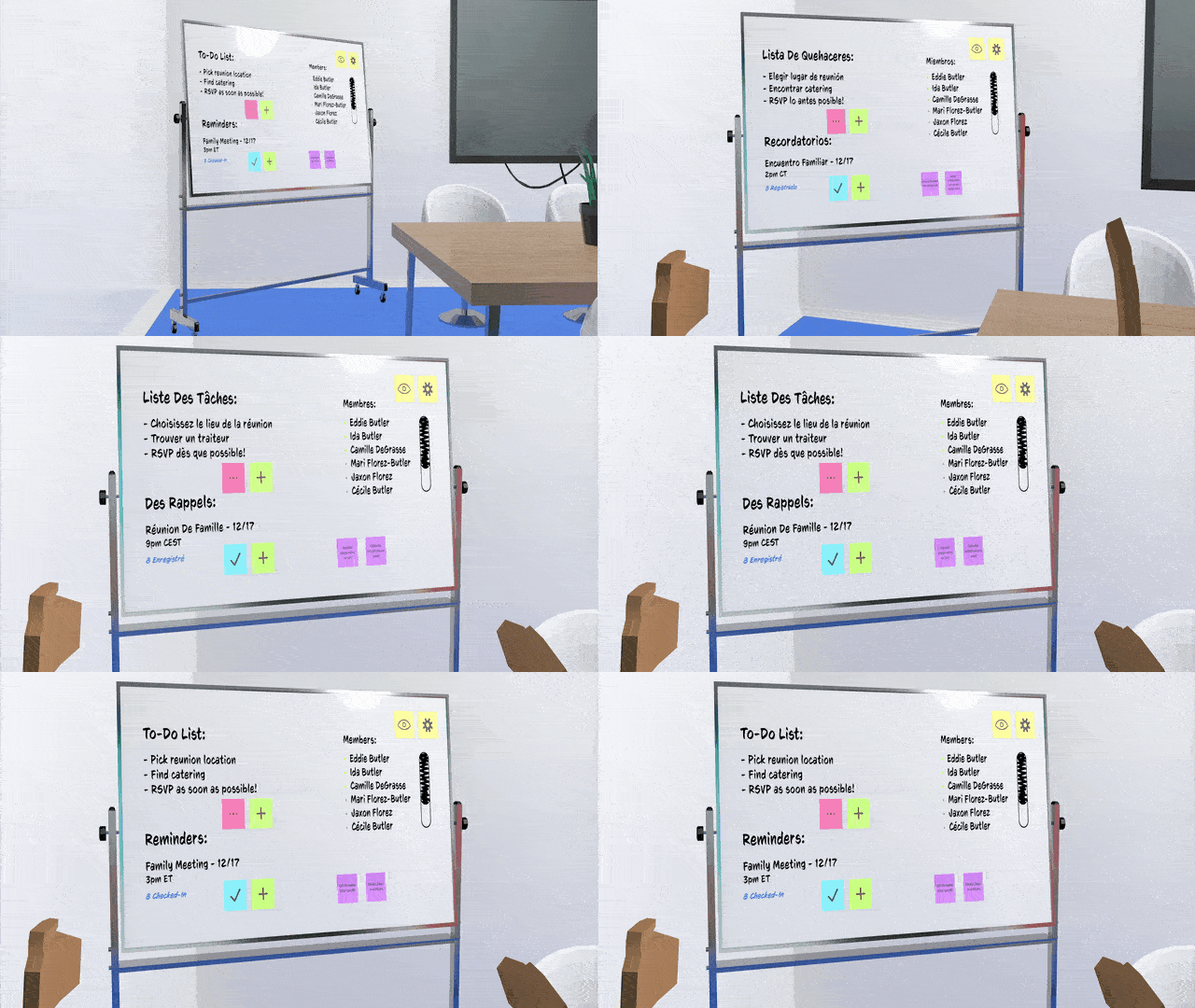
Multilingual productivity whiteboard
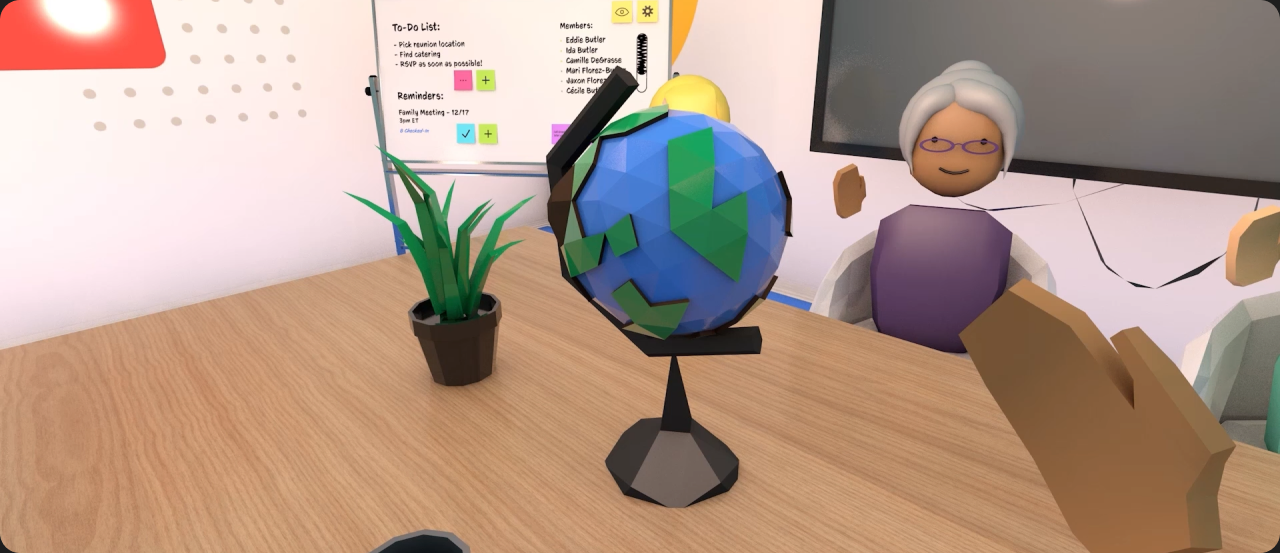
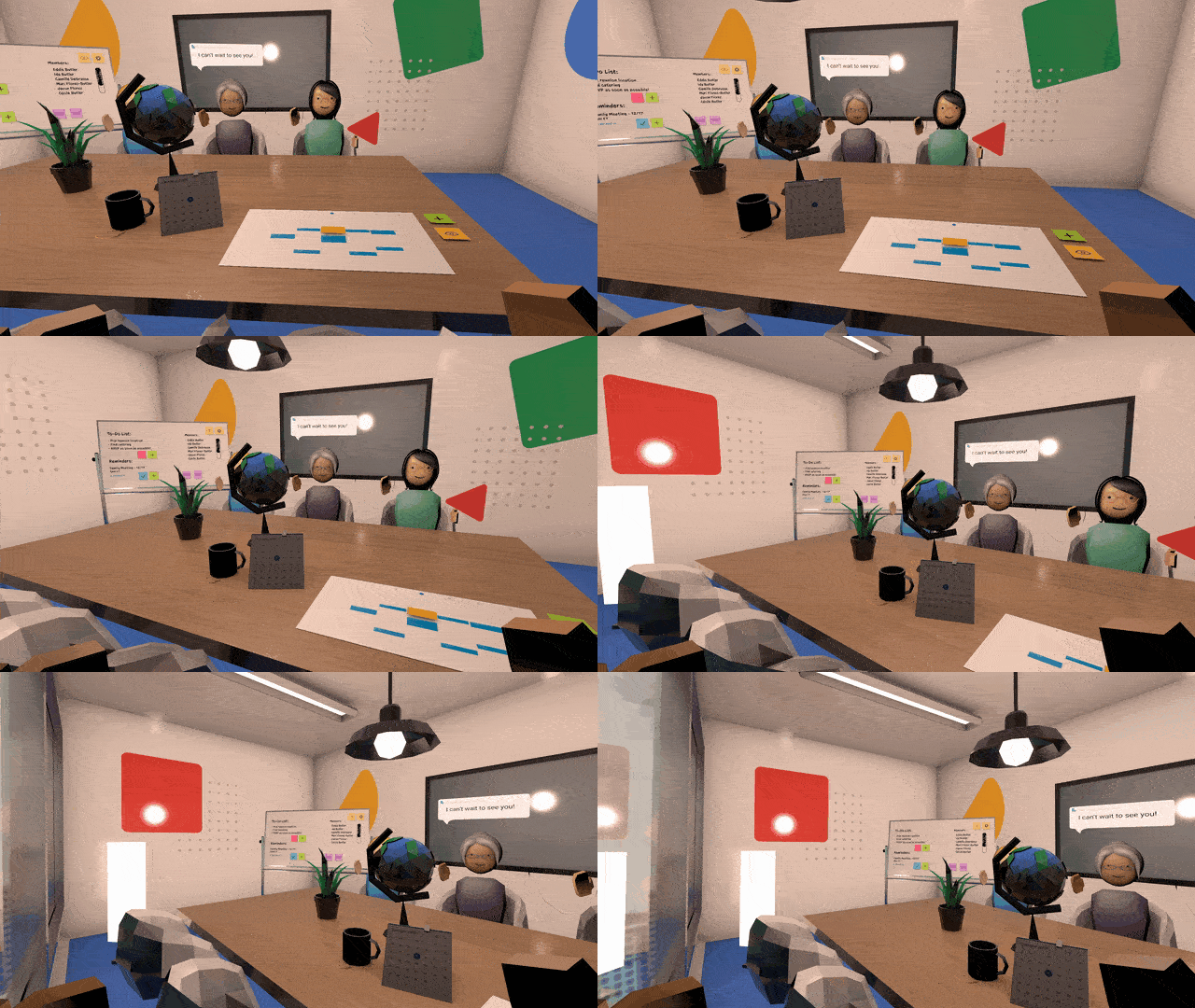
The interactive whiteboard allows users to create to-do lists, set reminders, view members, and add sticky notes. The whiteboard would also simultaneously translate new content into your preferred language.
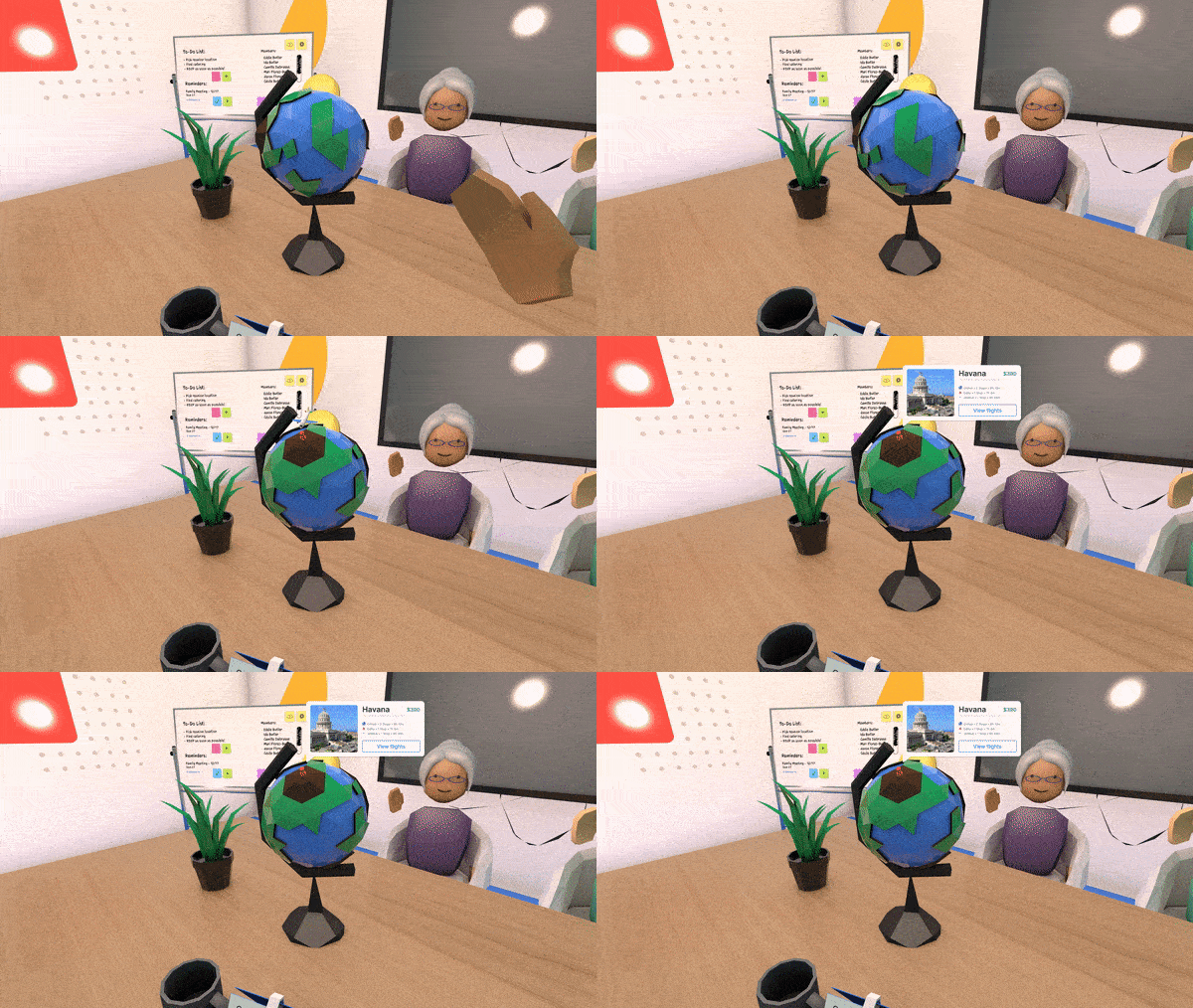
Scheduling and flight booking
With our globe, users can view locations worldwide and coordinate flights, pricing, and dates for potential bookings through Google Maps.
Meeting and collaboration space
The main feature is the meeting table where different users can populate to look over their calendars to coordinate plans, events, and meetings. From here you can easily access teleportation to the whiteboard, tv, or other chairs.
Design
3D Assets